Start with the equipment.
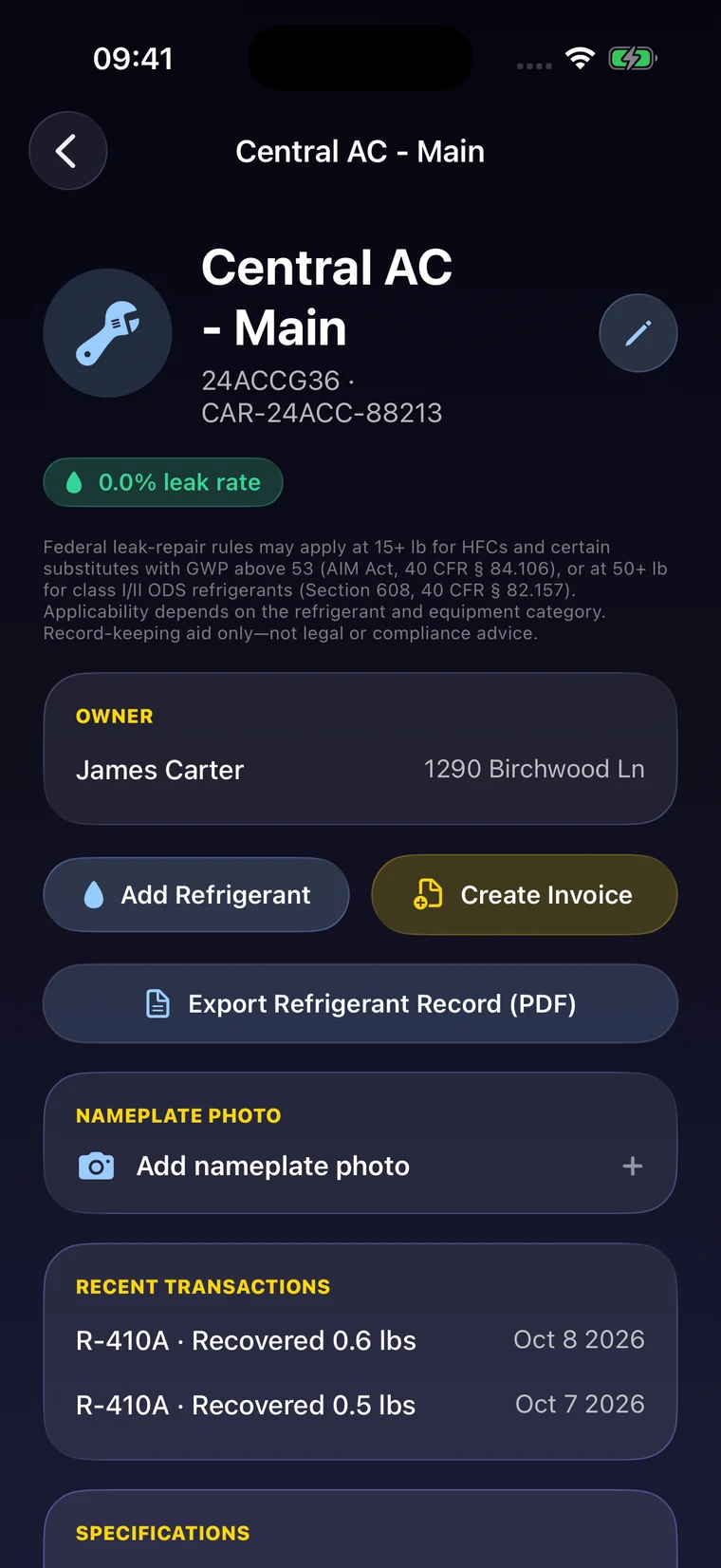
Keep the unit, its customer and its refrigerant history connected. Open the equipment record before adding your next entry.

CoolOps · iPhone & iPad
Record refrigerant added or recovered, keep each unit’s service history together, and export the record to PDF. Built for independent HVAC technicians.
See current purchases and subscription terms in the App Store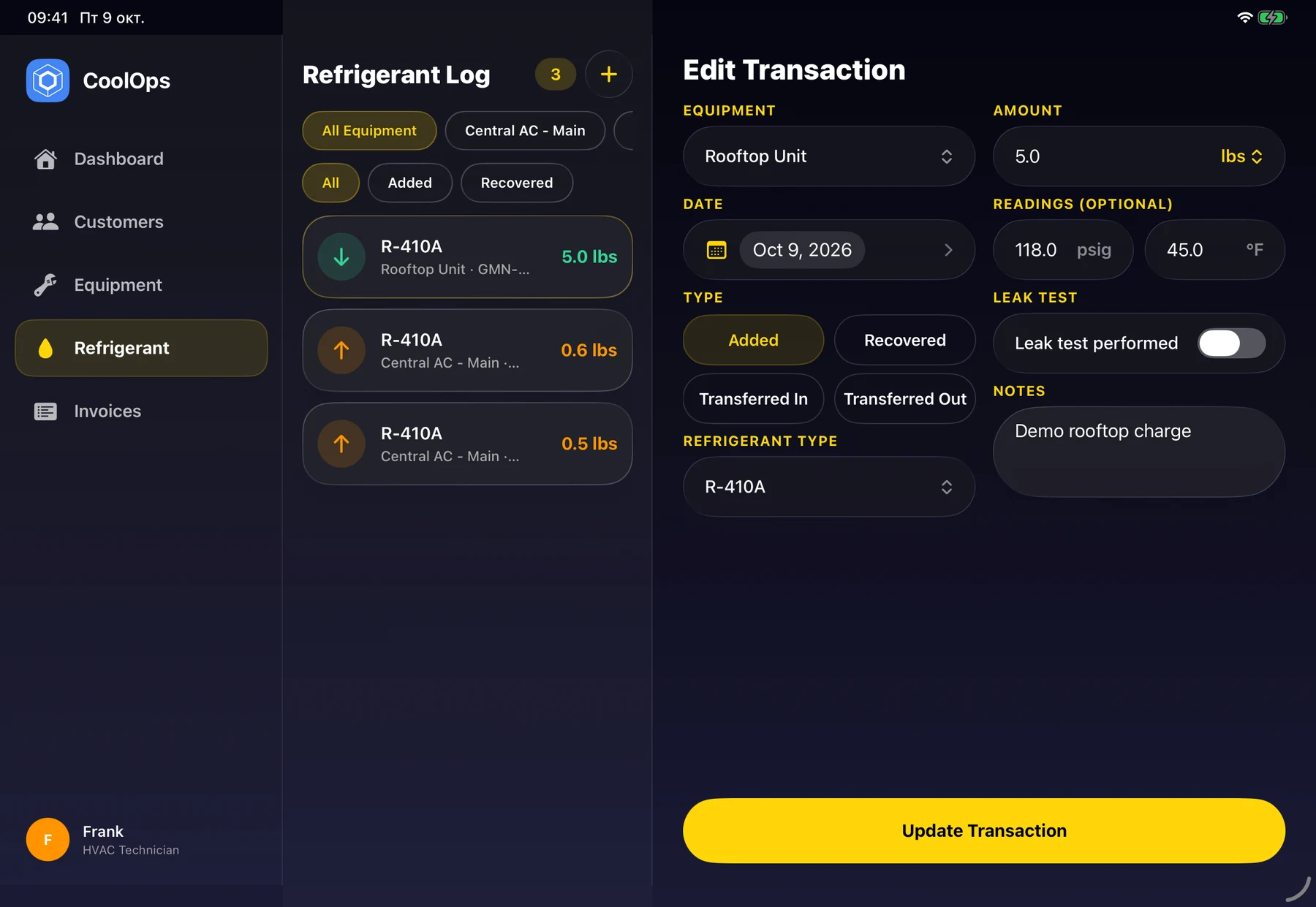
Customer details, equipment specs and service history, kept together.
Record what you added or recovered, with quantities, dates and notes.
Export refrigerant records and create invoices you can save or share.
From the service call to the next visit
A customer, a piece of equipment and the work you recorded—kept together.
Keep the unit, its customer and its refrigerant history connected. Open the equipment record before adding your next entry.
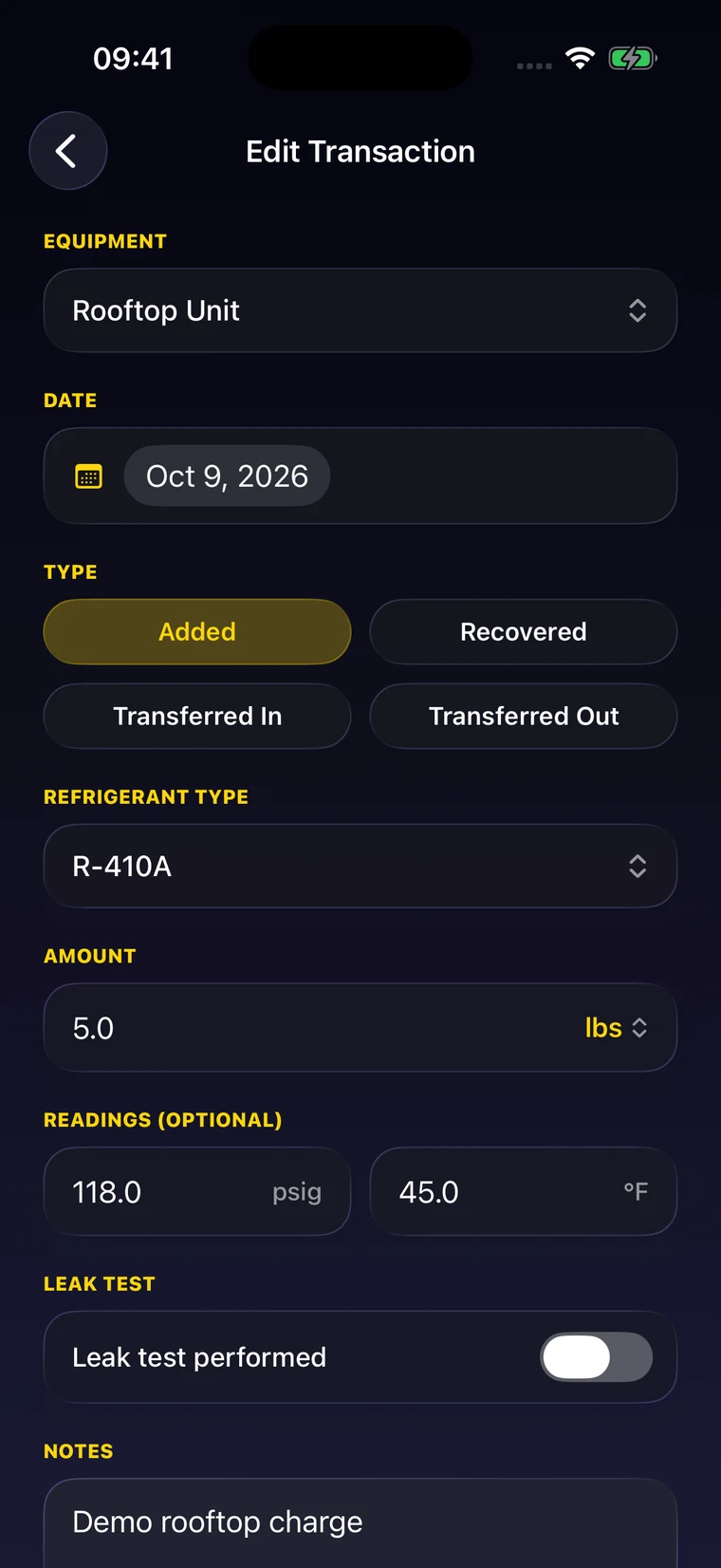
Choose added or recovered, record the refrigerant and quantity, and keep the service date and notes with the transaction.
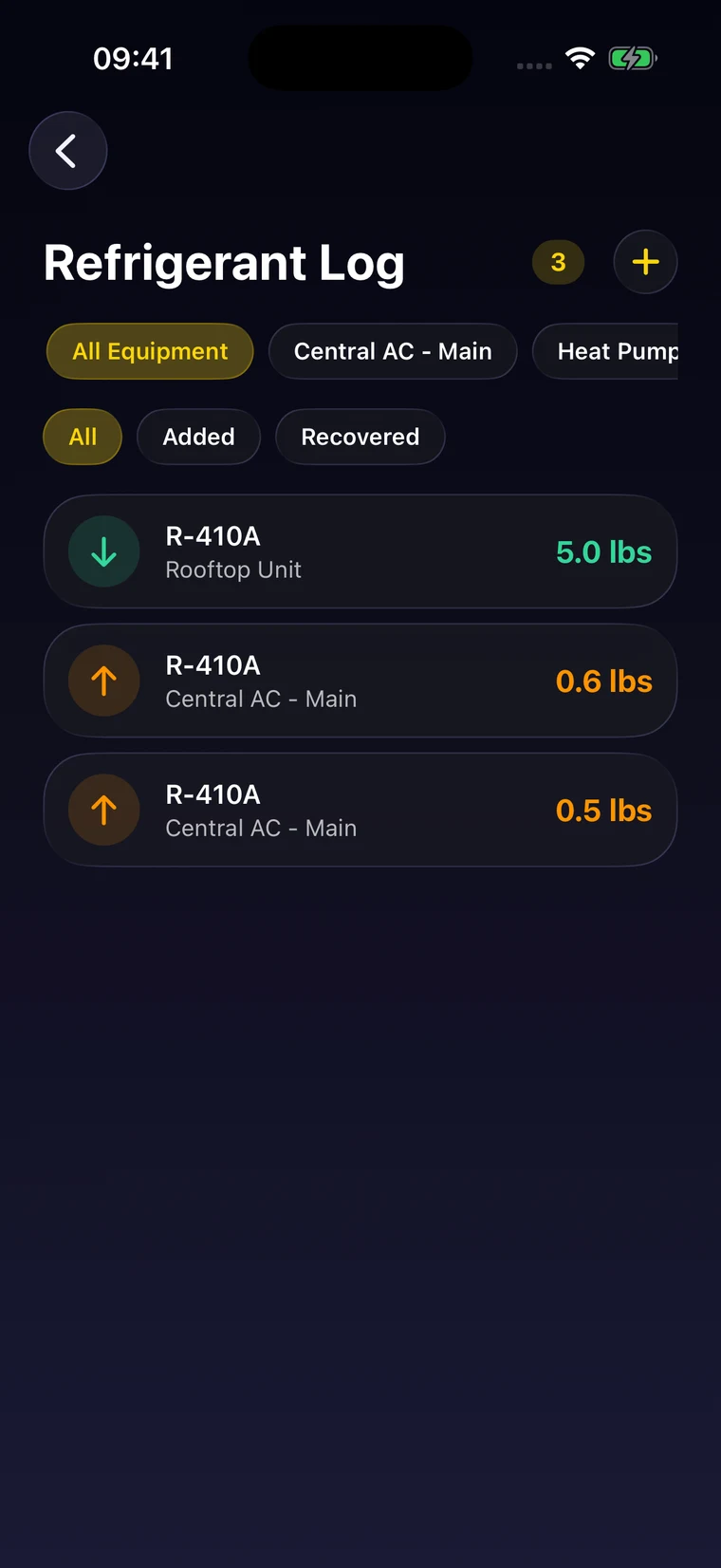
Review your entries in the refrigerant log. Filter by equipment or transaction type, then return to the equipment record to export its report.
App screens show fictional demonstration records. Example quantities and readings are not service recommendations.
The rest of the paperwork
Each customer keeps their contact details, equipment and invoices on one record. Start an invoice from the customer you are already looking at.
Name, phone, email, address and notes, with their equipment and invoices listed underneath.
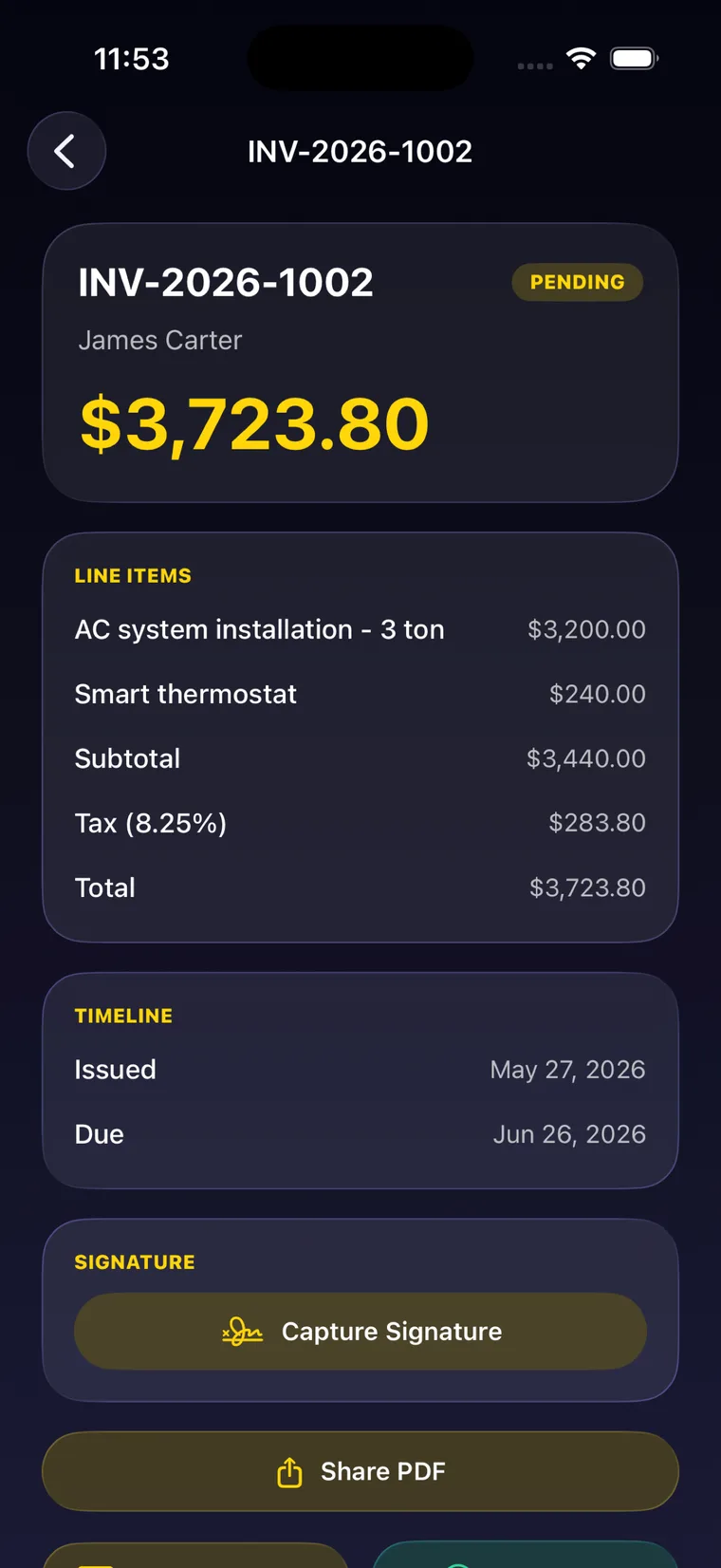
Line items, tax and the total. Capture the customer’s signature and share the invoice as a PDF.
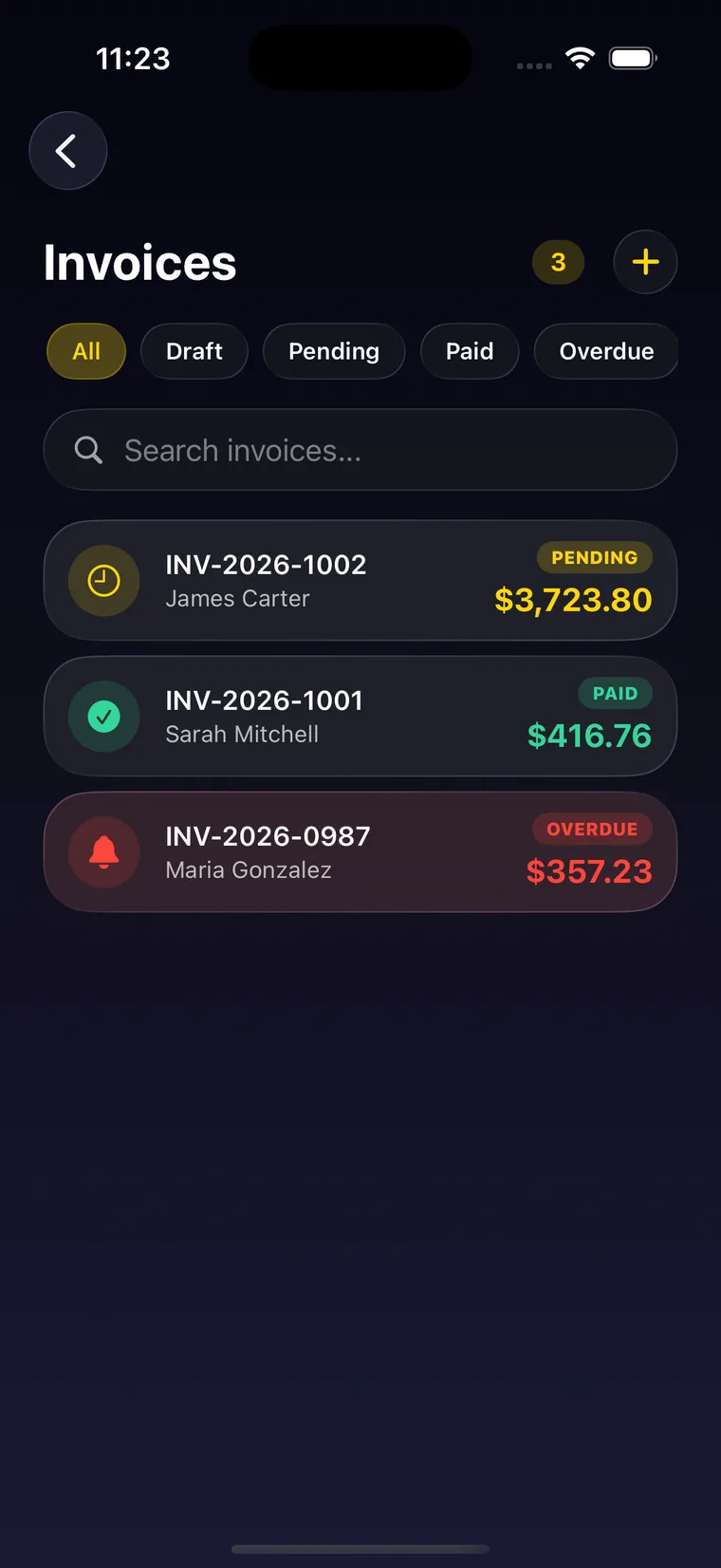
Filter invoices by draft, pending, paid or overdue, and search the list.
A personal workflow for the field
Add a refrigerant entry on your iPhone while the details are fresh.
Use the iPad layout to see the log and transaction details side by side.
Keep working with your records offline.
A document you can share
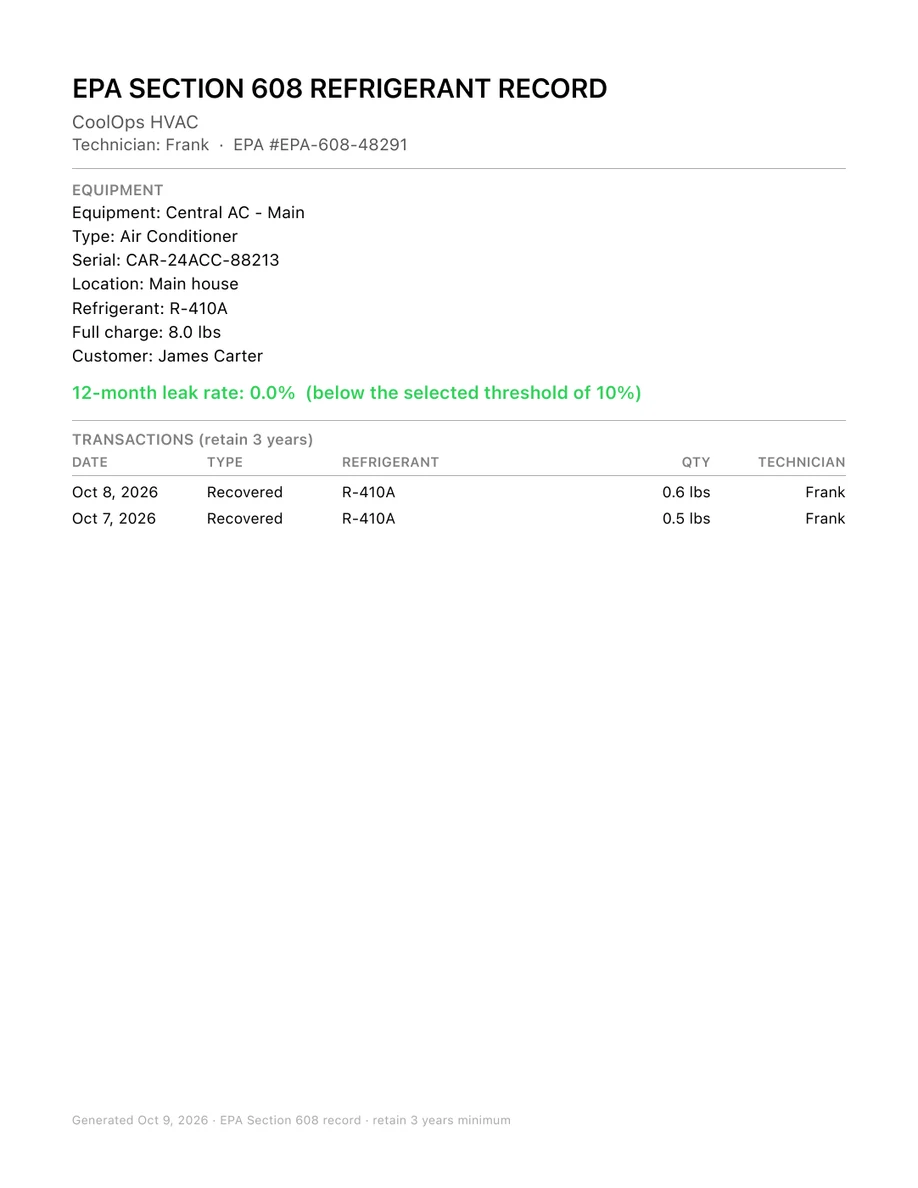
Export a refrigerant report from an equipment record. Review the equipment details and transaction history in a PDF you can save or share.
This sample was exported from CoolOps using fictional demo data.
View sample PDFA record documents what you entered. It does not establish which regulations apply to your equipment or guarantee compliance.
Free to read, no app needed
The field guides show what a good record looks like, with fictional examples you can follow.
Take it to your next call
Equipment, refrigerant entries and invoices, together. CoolOps for iPhone and iPad.

Need a hand? support@coolops.app. Include your app version and device model; avoid sending customer information unless it is needed to explain the issue.